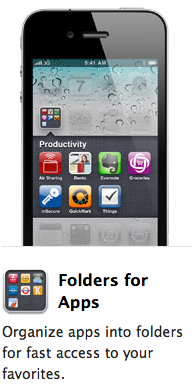
 A feature new to iPhone OS 4 (iOS 4) is the ability to create folders. You can stack a few icons atop one another and they turn into a folder. You touch the folder, it pops open, then you can touch an item in the folder to launch it.
BUT! Did you know that you can place these folders in the little fixed-4-icon dock at the bottom of the screen? And did you know that the notification counters of the apps show up nice and big on the folder icon itself (as opposed to being microscopic 3-point font on the little icon)? Well, now you know!
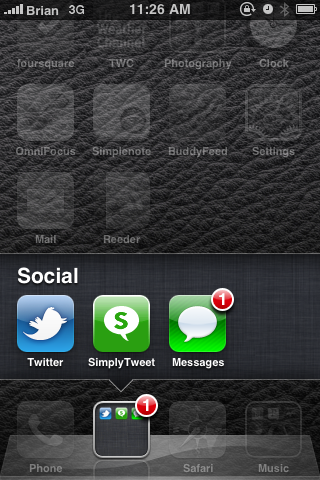
My dock now has one folder for a few social apps (Twitter and text messages) and another for music (the iPod app, Pandora, and a few ambient sound generators).
Posted in: 

